21. Case 17: Alarm Device
21.1. Introduction
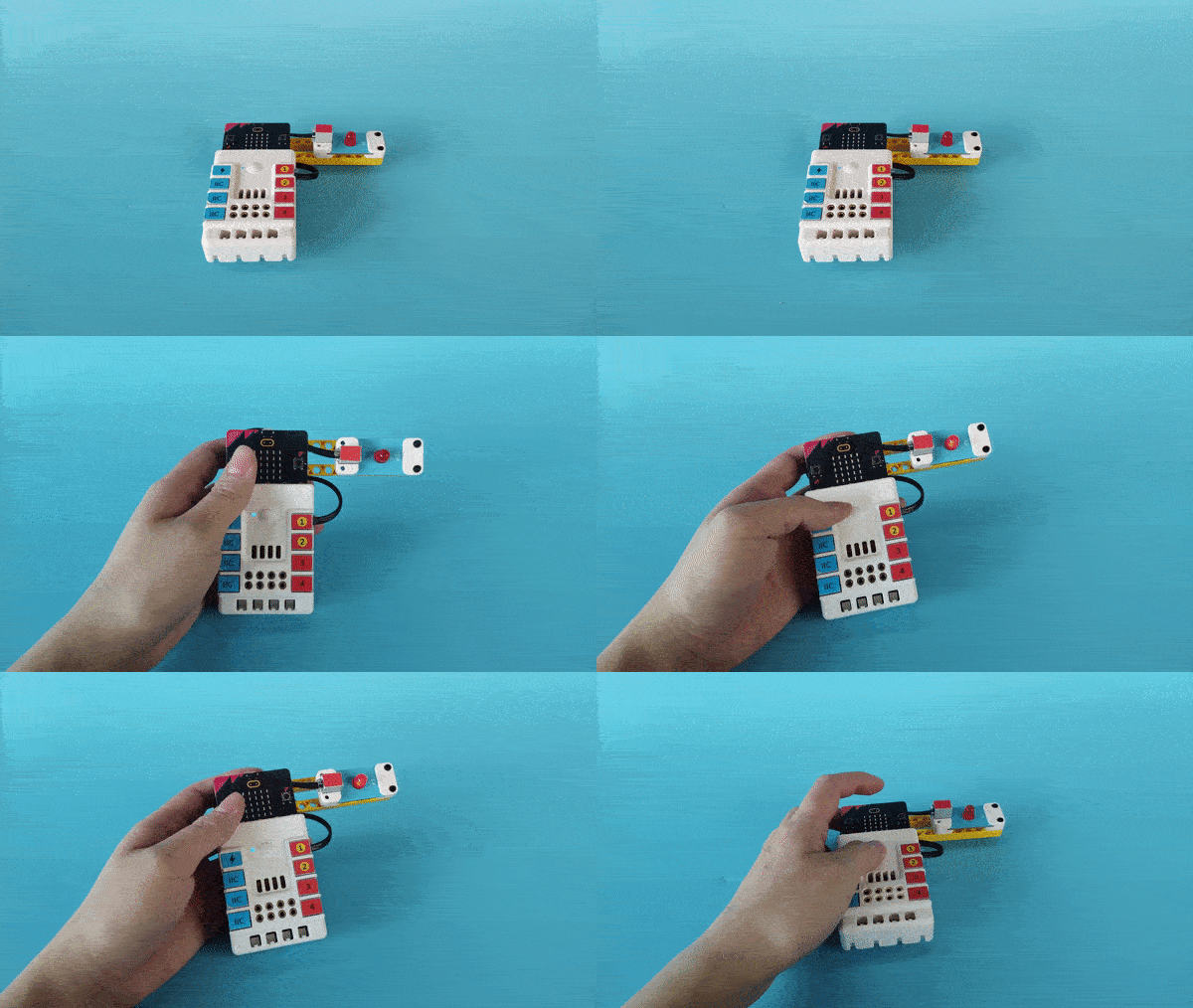
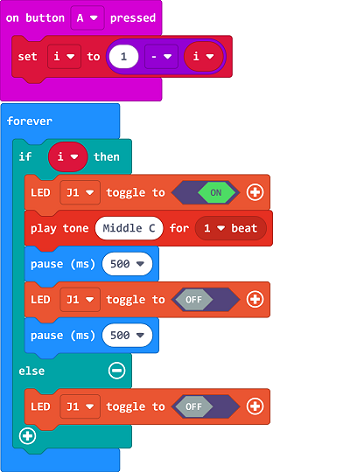
This is an alarm device. Press button A to make the red LED light on and flash, and the buzzer will be activated. Press button A again to cancel the alarm.
21.2. Quick to Start
Materials
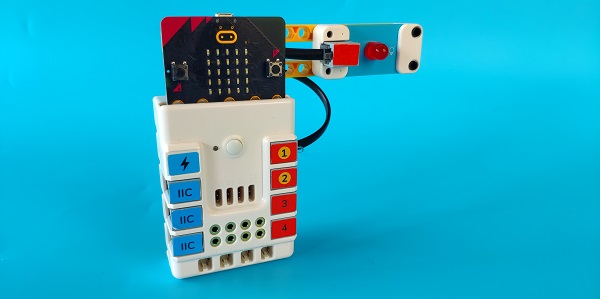
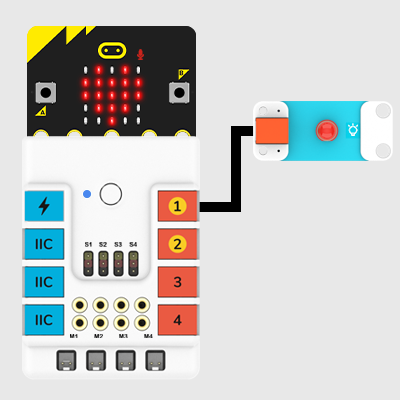
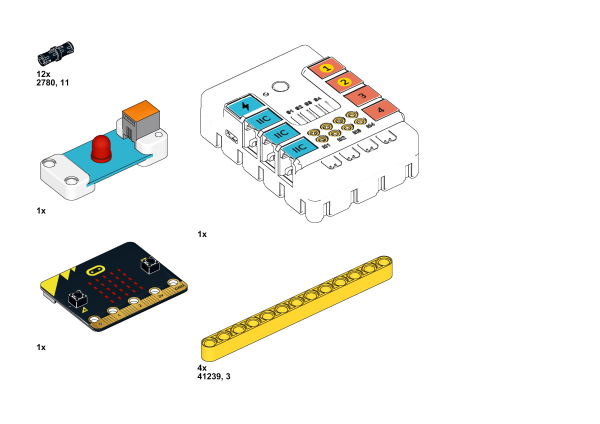
Nezha expansion board × 1
micro:bit × 1
LED-red × 1
RJ11 wires × 1
Bricks × n
Tips: You may need to purchase Nezha Inventor’s Kit if you want all the above compoents.
Assembly Video
Video link:https://youtu.be/bYN6-6PskHQ
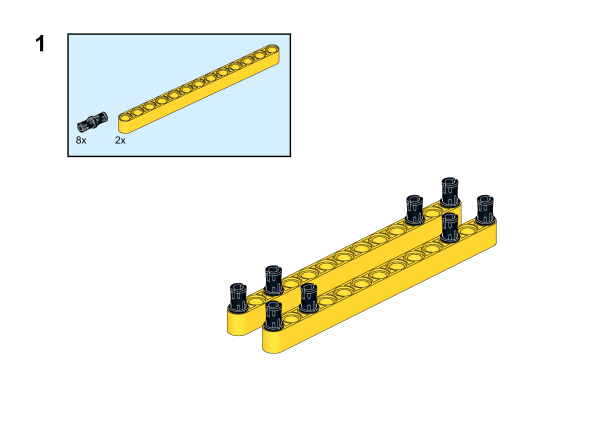
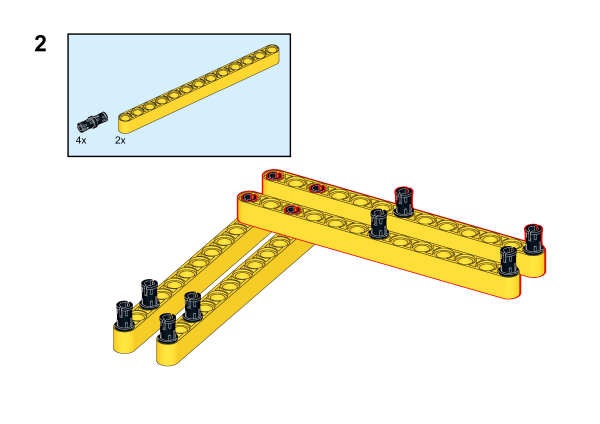
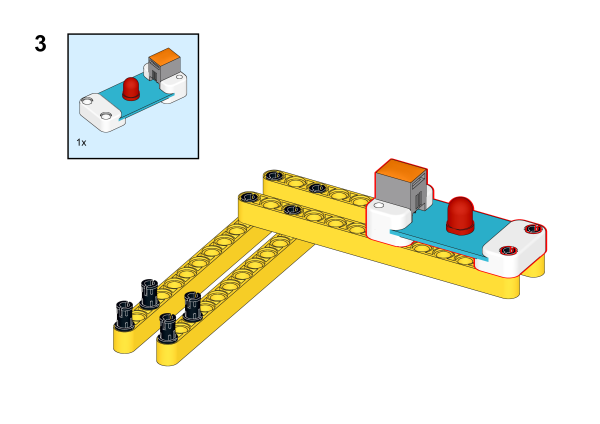
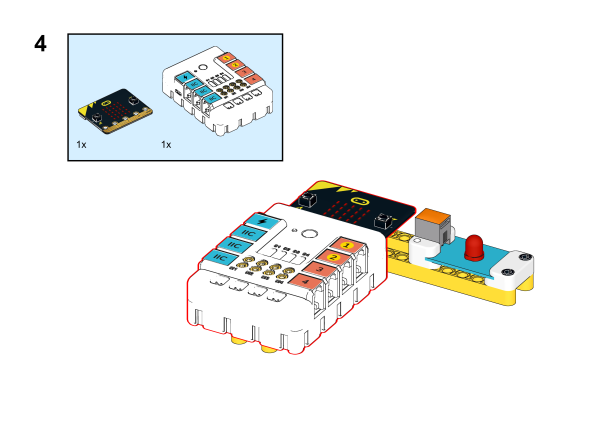
21.3. MakeCode Programming
Step 1
Click “Advanced” in the MakeCode drawer to see more choices.
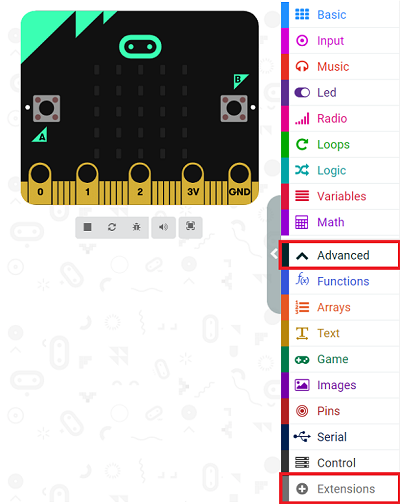
We need to add a package for programming. Click “Extensions” in the bottom of the drawer and search with “PlanetX” in the dialogue box to download it.
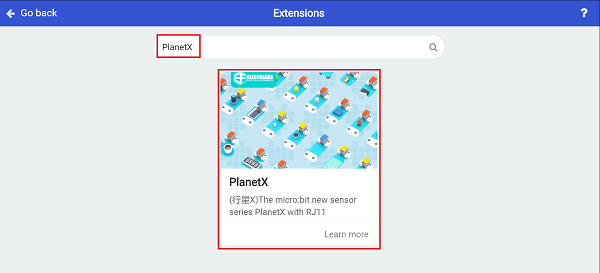
Note: If you met a tip indicating that the codebase will be deleted due to incompatibility, you may continue as the tips say or build a new project in the menu.
Step 2
Programme as the picture shows:
Result
Press button A to alarm and the red LED flashes; press it again to stop the alarming and the LED turns off.