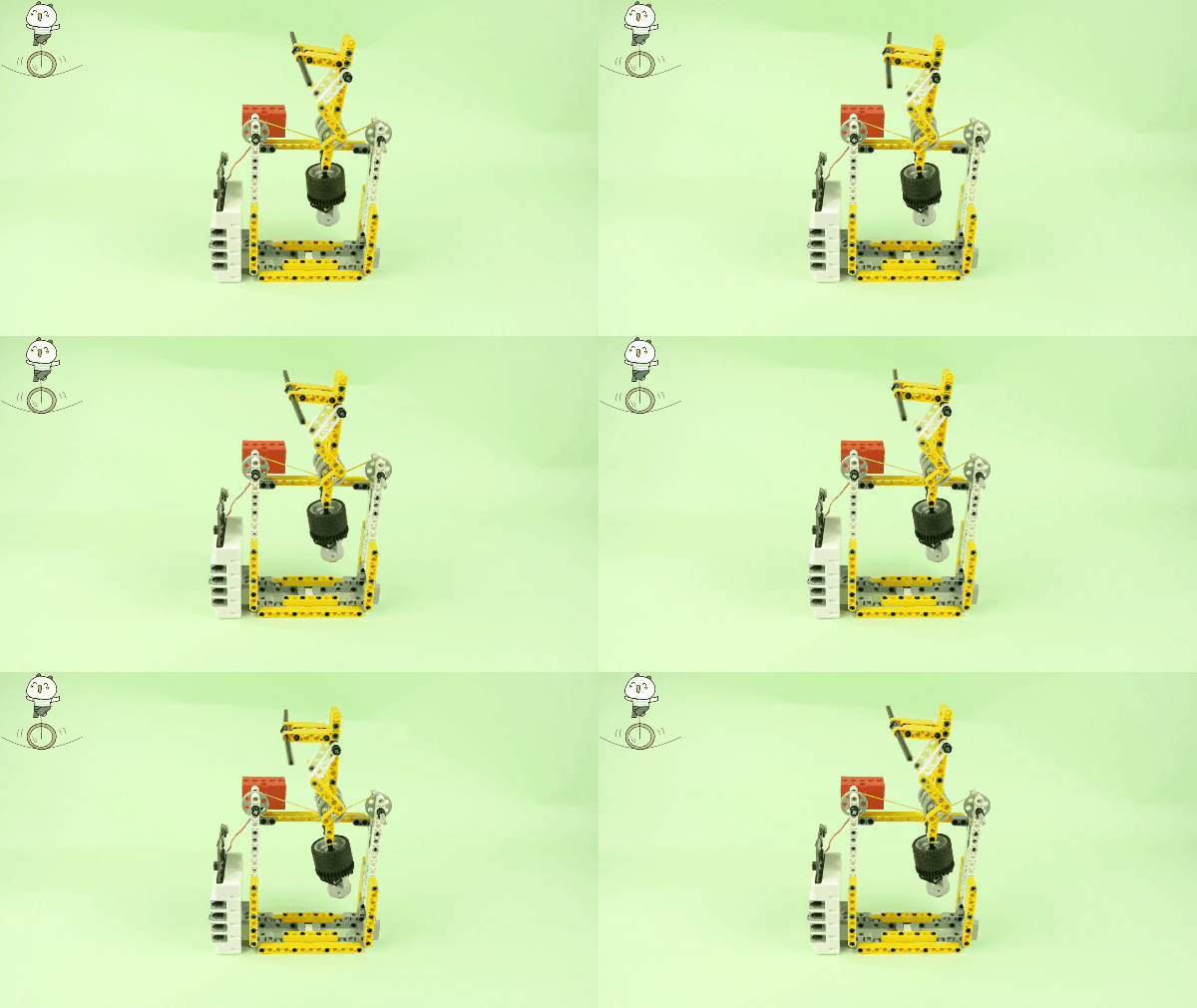
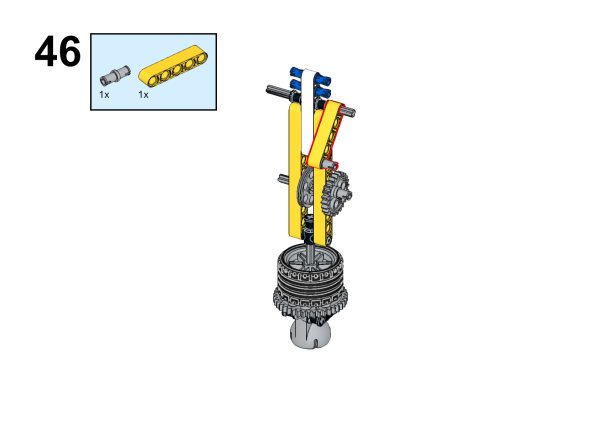
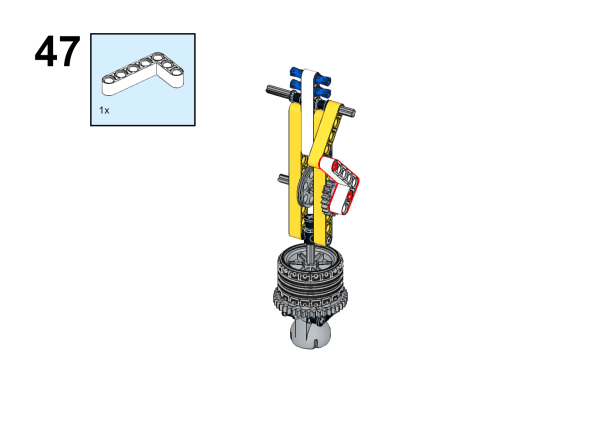
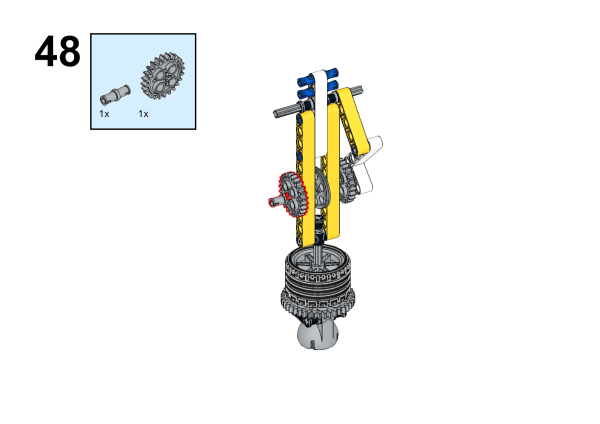
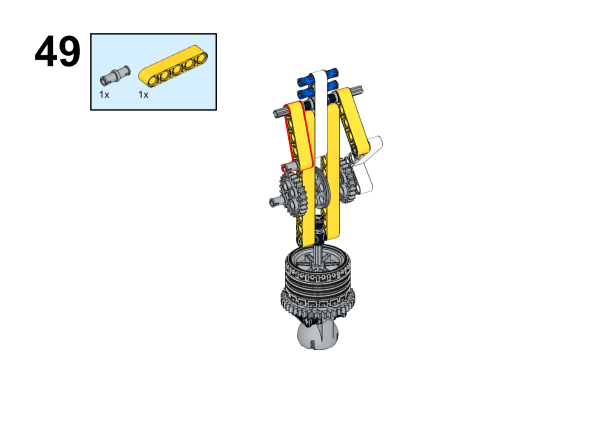
48. Case 44:Tightrope Walker
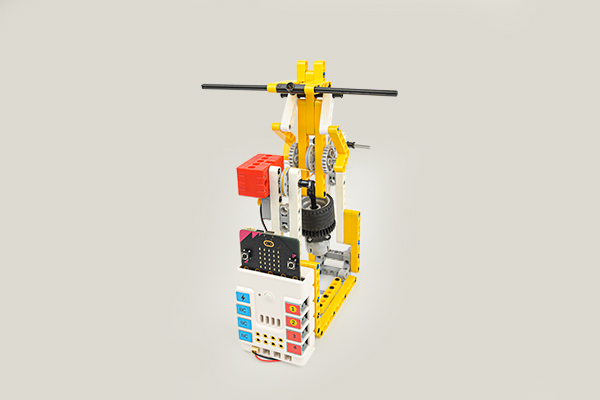
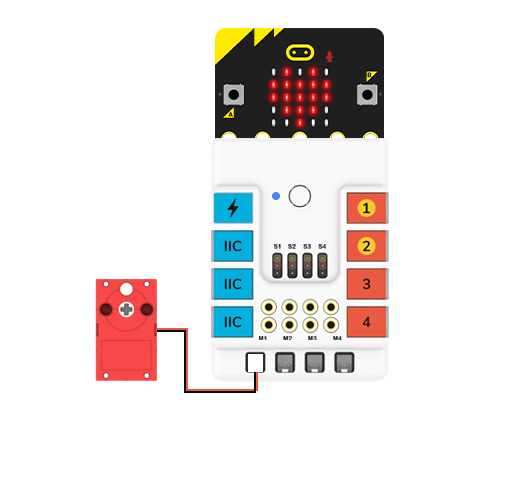
48.2. Quick to Start
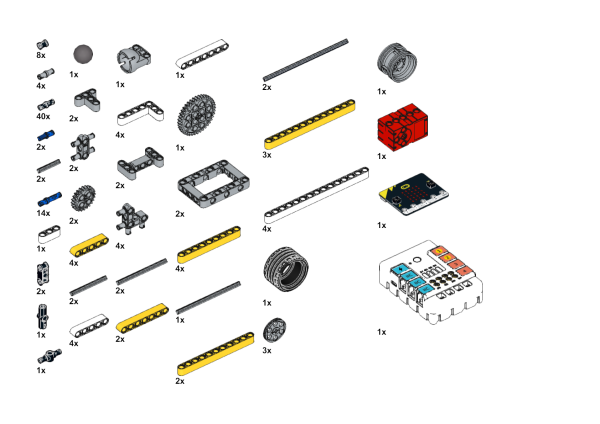
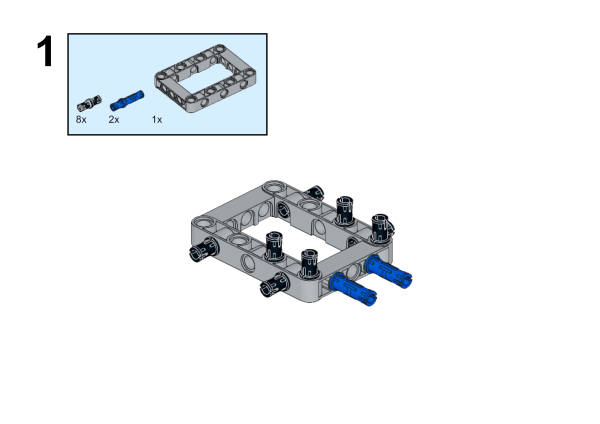
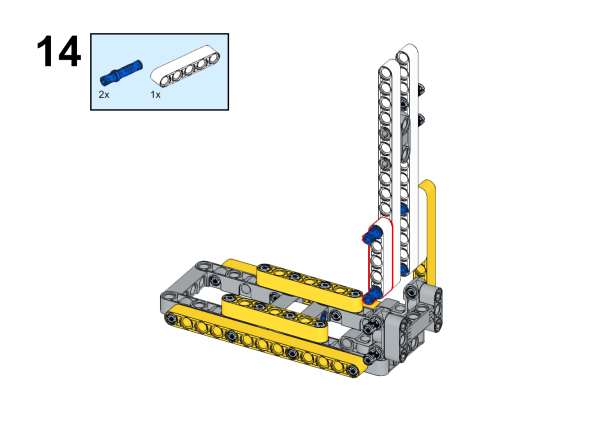
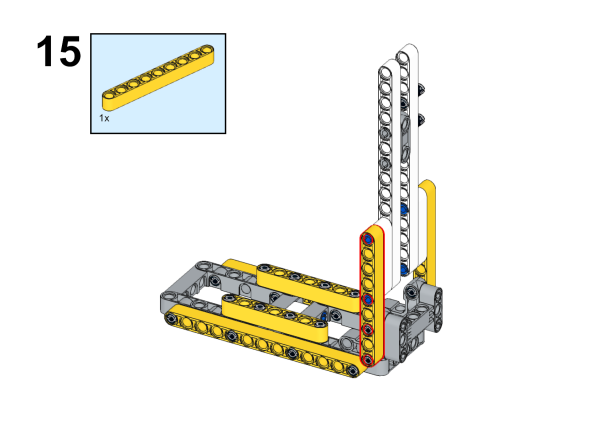
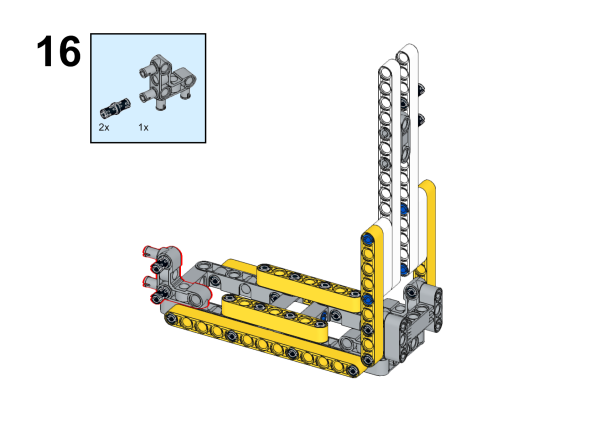
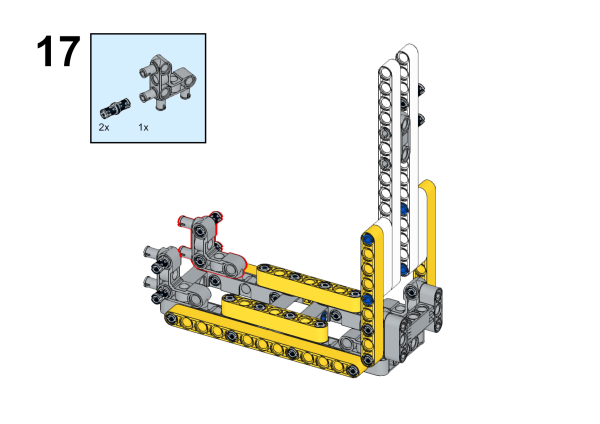
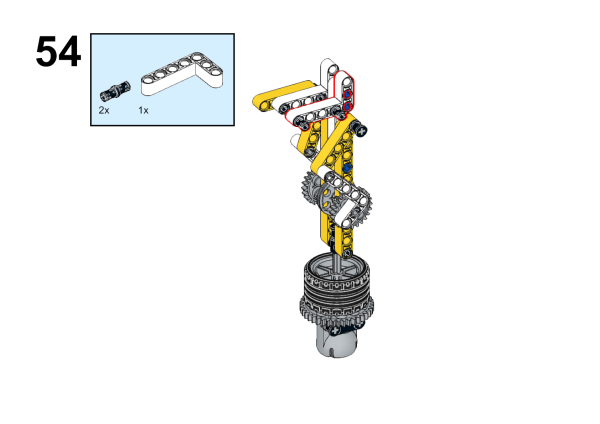
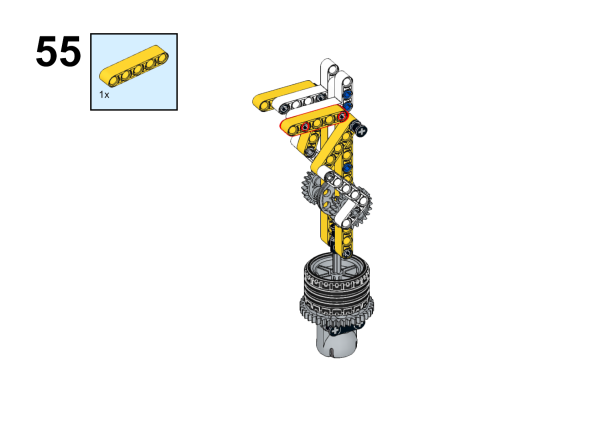
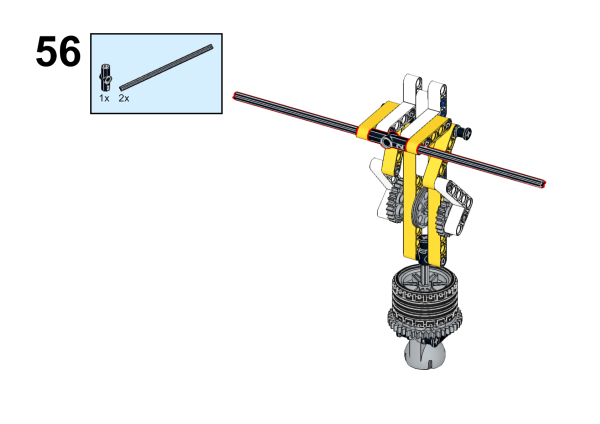
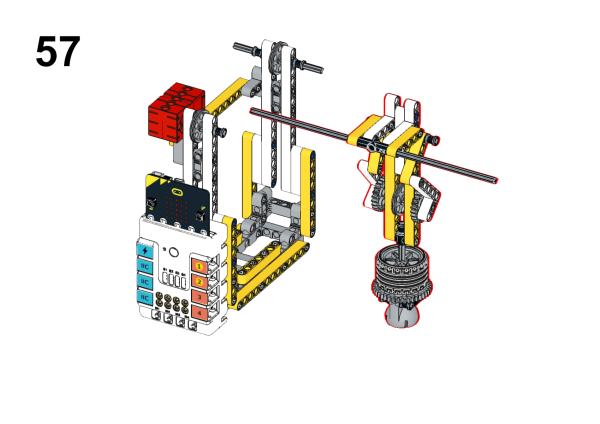
48.3. MakeCode Programming
Step 1
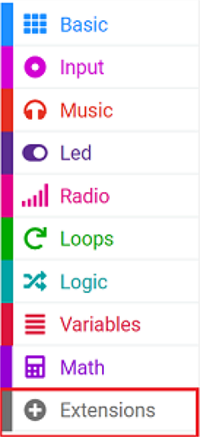
Click “Advanced” in the MakeCode drawer to see more choices.
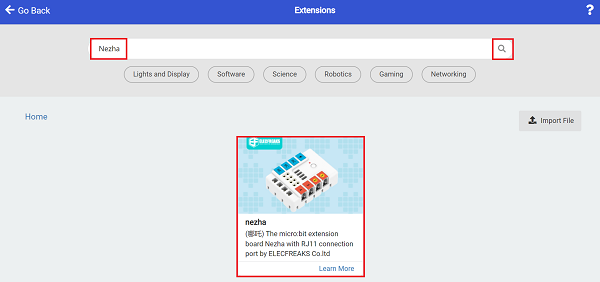
For programming Nezha Breakout Board, we need to add a package. Search with “Nezha” in the dialogue box and click to download it.
Notice: If you met a tip indicating that some codebases would be deleted due to incompatibility, you may continue as the tips say or create a new project in the menu.
Step 2
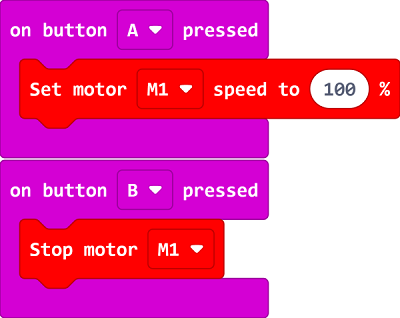
Code as the picture suggests
Result
Press button A, the toy man starts to walk a tightrope. Press button B, the toy man stops motionless.