12. SCase 09: Countdown
12.1. Purpose
Use the Smart Coding Kit to create a countdown machine.
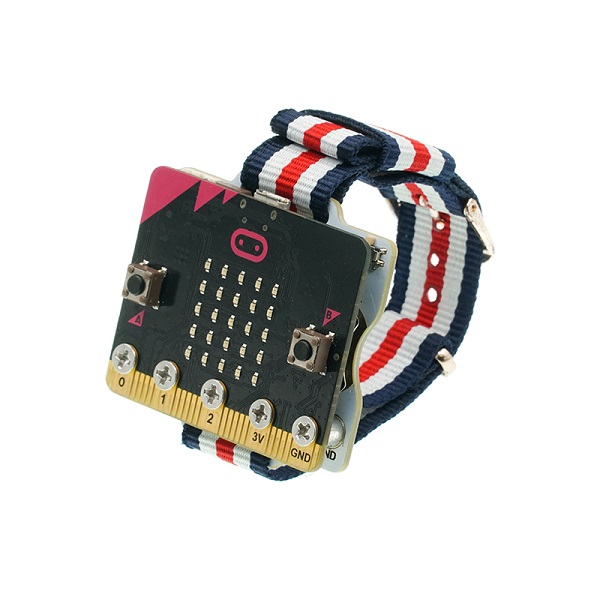
12.3. Software
12.4. Programming
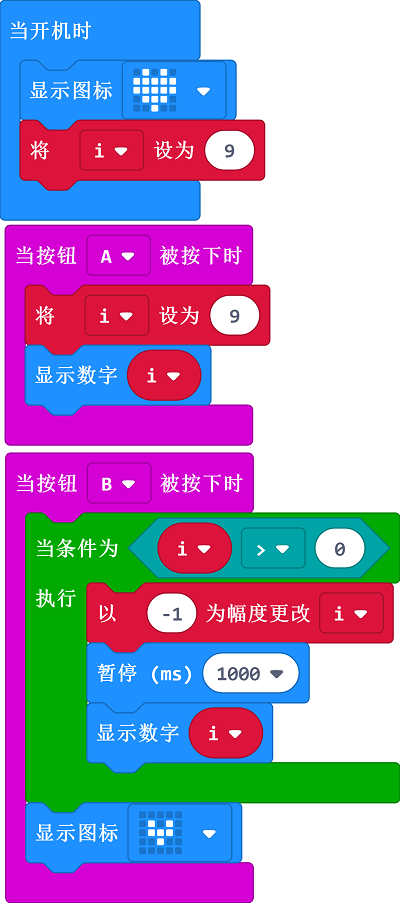
Show the icon while on start and set the variable i as 9.
While button A being pressed, set the variable i as 9.
While button B being pressed, start the countdown and display the icon when it comes to 0.
12.5. Result
Show the icon while on start While button A being pressed, the number 9 displays on the micro:bit While button B being pressed, the countdown starts and number 0 displays on the micro:bit