18. case 08 Light Follow
18.1. Our Goal
- Make the ring:bit car to light follow.
18.2. Requiered Materials
- 1 x Ring:bit Car
18.3. Hardware Connect
- Connect the left wheel servo to P1 of the Ring:bit expansion board and the right wheel servo to P2.
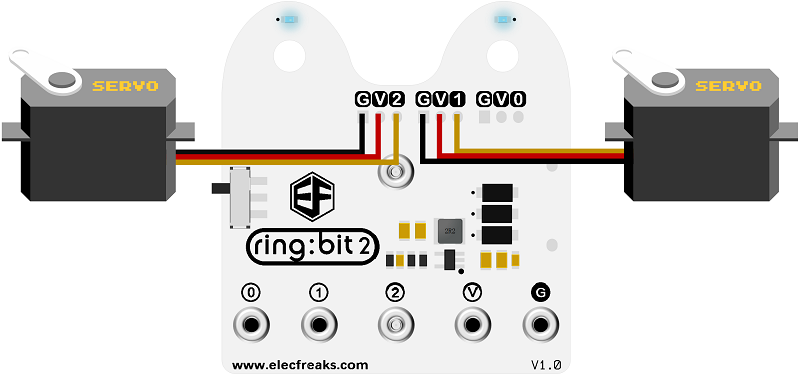
18.5. Coding
Step 1
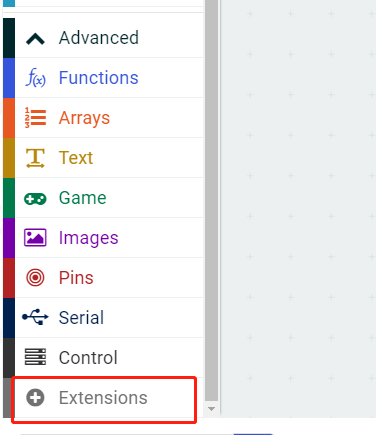
- Click on “Advanced” in the MakeCode Drawer to see more code sections.
- Search for “ringbitcar” and click on the ring:bit car package to add it to your project. (As below picture)
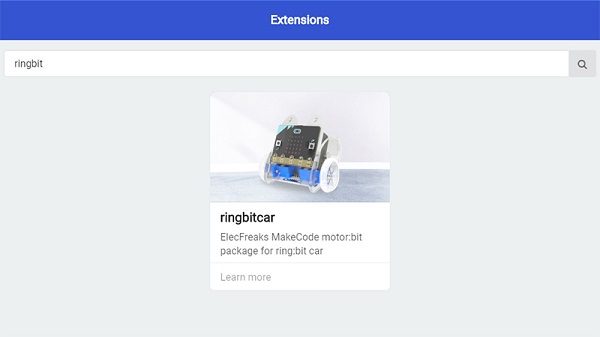
Note: If you get a warning telling you some packages will be removed because of incompatibility issues, either follow the prompts or create a new project in the Project file menu.
Step 2
- Snap the
on startblock from the Basic and initialize the P1 port to left wheel and the P2 port to right wheel.
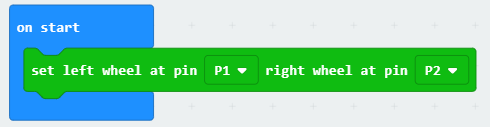
Step 3
- Snap the
light levelfrom the Input. The car will move to the light source when the light level is greater than the defined value. - The car will spin around to find the light source when the light level is less than the defined value.
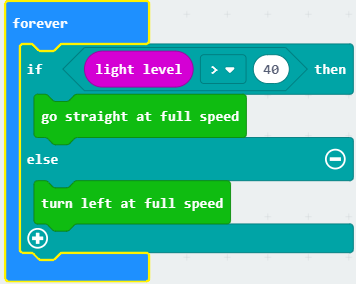
Program
Program Link:https://makecode.microbit.org/_H7c7DPWTPYKY
If you don’t want to type these code by yourself, you can directly download the whole program from the link below:
18.6. Result
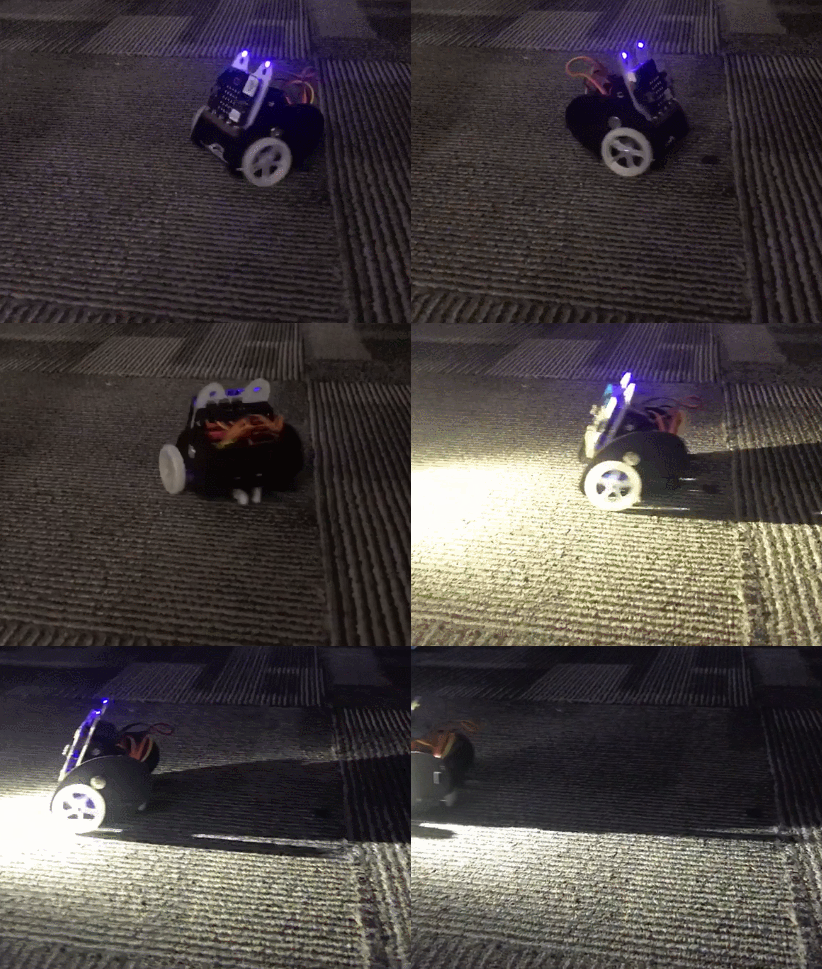
- The car spins around and will move to the light source when it is detecting the light.
18.7. Think
- How can you make a smart car to detect the fire?